



Teddyslot App: Official Application
The Teddyslot app delivers casino players full mobility with truly cutting-edge tools. It was made with the most up-to-date technology. The app is a seamless, reliable gaming experience that works on every device you have. Teddyslot Casino is now available to you from any place you want to play.



Benefits and Features of the Teddyslot App
Playing at Teddy Slot Casino on a mobile device offers advantages that desktop play can’t match. The app’s design places responsiveness at the top of the list. Pages load rapidly, and controls respond immediately. Sessions can happen at any time when there are 10 minutes to spare.
All of the games in the Teddyslot catalog are available to mobile users. These include online slots, live dealer tables, instant games, and more. You can easily navigate your way around and get to the more than 6,000 games, deals, and tools for managing your account.
| What You’re Doing | Desktop Problem | Teddyslot Mobile Fix |
| Playing on the way to work | You need to find a computer, open a browser, and navigate. | You just tap the icon, Face ID, and you are playing in 3 seconds. |
| Checking bonus status mid-day | You can’t access your desktop anywhere, so the status is unknown until you’re home. | You can easily take your phone anywhere, check progress instantly, and plan an evening session accordingly. |
| Claiming time-sensitive promo | Flash bonus drops at 2 PM – you’re nowhere near a computer. | Push notification alerts your phone, you can claim immediately from wherever you are. |
What the Teddyslot App Is
The Teddyslot app is a PWA. You can use any mobile browser, such as Chrome, Firefox, or Safari, to access our Progressive Web App. It’s fast, safe, and doesn’t require any downloads that slow down your phone.
The Teddy Slot software works on any device, loads quickly, and updates automatically without interrupting you. Because it’s light, your phone’s storage won’t be damaged, and you can still use live chat, contact support, and finish the verification process.
We got away from all the security problems and the need to manually update the Teddyslot app.
Teddy Slot App for Android
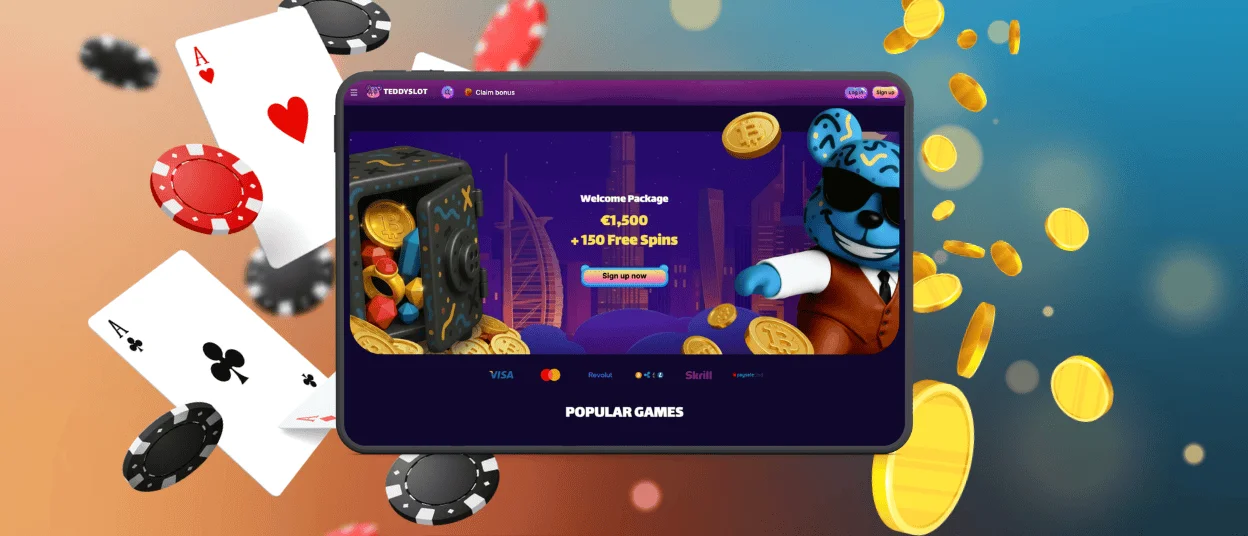
Installing the Teddyslot Android app is easy for all users, and you can experience all the best features of our online casino. Follow the steps below to install our platform so that you can be more flexible and get to it with only one click:
- On the Teddyslot Casino website, you have to click the “More” button. It has three dots and is in the address bar’s corner.
- Users need to tap “Add to Home Screen” from the list and then tap “Add” to confirm.
- To move the app icon, tap and hold it and drag it to where you want it on your screen.
Mobile Application for iOS
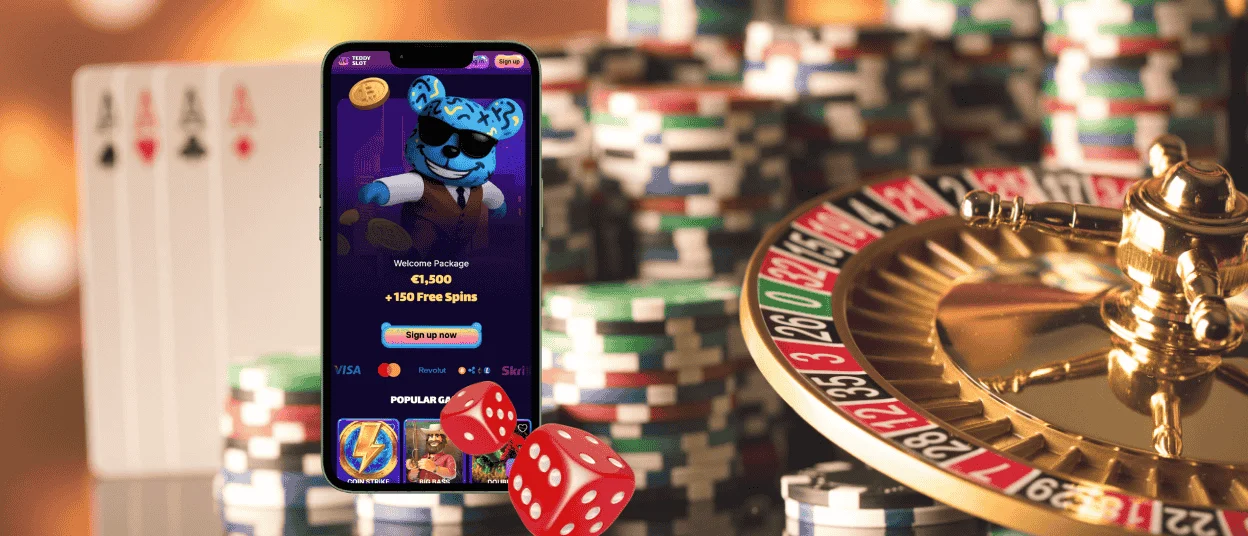
If you have an iPhone or iPad, you can quickly get to the Teddyslot website from any browser you like. There, you can use all of the games, bonuses, payment options, and help from the support team. You will be familiar with the design and navigation if you have used our PC version before.
We also offer an iOS app for Teddyslot Casino. It only takes a few minutes to set it up. We promise that our mobile casino is completely safe. TLS encryption, which is new and cutting-edge, keeps your personal and financial information safe from anyone who shouldn’t have access to it. All members of Teddyslot Casino can turn on two-factor authentication on their devices for extra security.
Teddy Slot Casino application on Mac or Windows
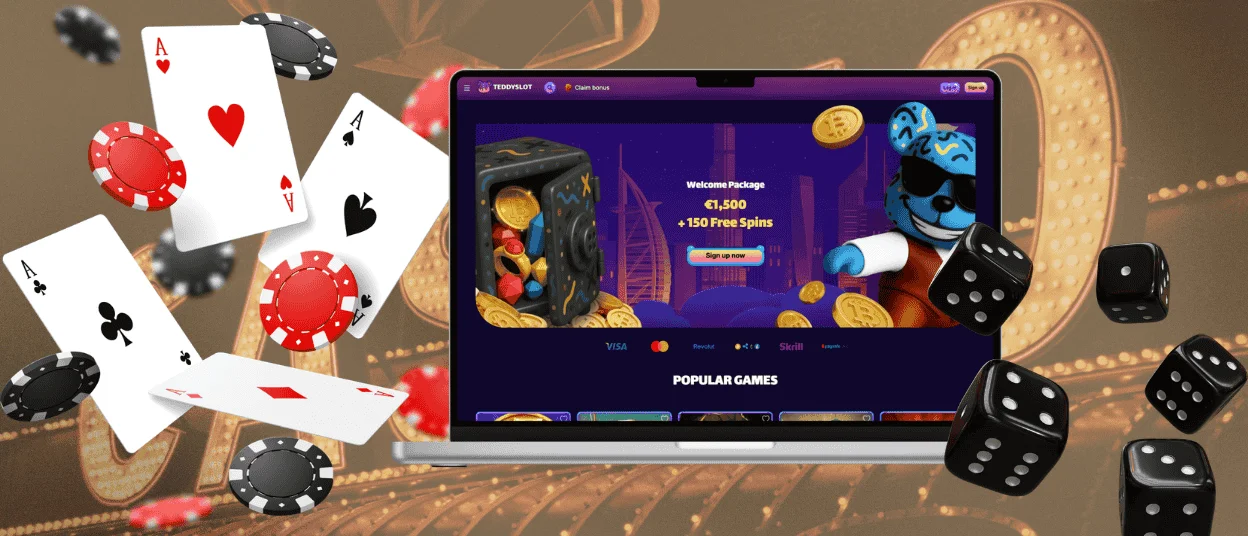
Everyone can still use Teddy Slot on their desktop, which is the classic alternative. You can use our website on any Mac or Windows device. The interface will immediately adjust to the size and resolution of the screen. You can add a shortcut icon if you want to get to it faster and don’t want to have to search in the browser. When you go to the Teddyslot Casino page from a PC, all you have to do is click the “Add to Home Screen” button.
We don’t restrict our clients to a certain type of device or platform. That’s why you can pick the best alternative for each case.
FAQ
Can I download the Teddyslot app from the App Store or Google Play?
No, Teddyslot Casino is not an app store download. It is a progressive web app (PWA). You can add the icon to your home screen by going to the Teddyslot website on your phone and installing it directly from there. It barely takes a minute to install. If you use Safari or Chrome, browse to the site and tap “Add to Home Screen.” The app icon will be ready to use.
Are there any mobile-only game categories in the Teddy Slot app?
No, the mobile app and the desktop version have the same game library. There are no special categories for any platform. All 6,000+ games that work on PC also work on mobile. Some games could work better with mobile touchscreen controls, such as some instant games or slots with easy rules. But you can play any game on any device without any problems.
Can ad blockers or VPN settings break game loading on mobile?
Some aggressive ad filters stop games from loading by blocking real scripts that they think are ad trackers. VPNs can also pose problems if they send traffic through places where Teddyslot Casino isn’t allowed to work. The site bans access from restricted areas. If games won’t load, try turning off ad blockers or disconnecting your VPN for a short time. When browser privacy settings are set to the highest level, they can also prevent cookies that are needed, which can cause login difficulties.
Can I receive push notifications on my iPhone?
Yes, once you have the Teddy Slot PWA on your iPhone, you will get push notifications for account activity, promotions, bonus expirations, and tournament updates. You can change your notification settings at any time.


